 IPTV Geeks
1 Month
A low-commitment way to see if IPTV Geeks fits your routine.
$14.99 USD
About $0.50 / day- Live TV access
- Movies and series
- Setup guidance
Enjoy live TV, sports, movies and series in one flexible subscription. IPTV Geeks is made for viewers in the USA who want an easy setup across the devices they already have, with real help when they need it.
A full year of entertainment for $89.99 — about $0.25 per day.
Use a familiar player on a compatible screen, then follow the setup guidance for your device.


Browse a mix of movies and series, from familiar favorites to newer additions. The visual catalogue is designed to feel quick and comfortable on a phone.







Move from a live game to a replay or a different sports category without rebuilding your evening around a single screen.






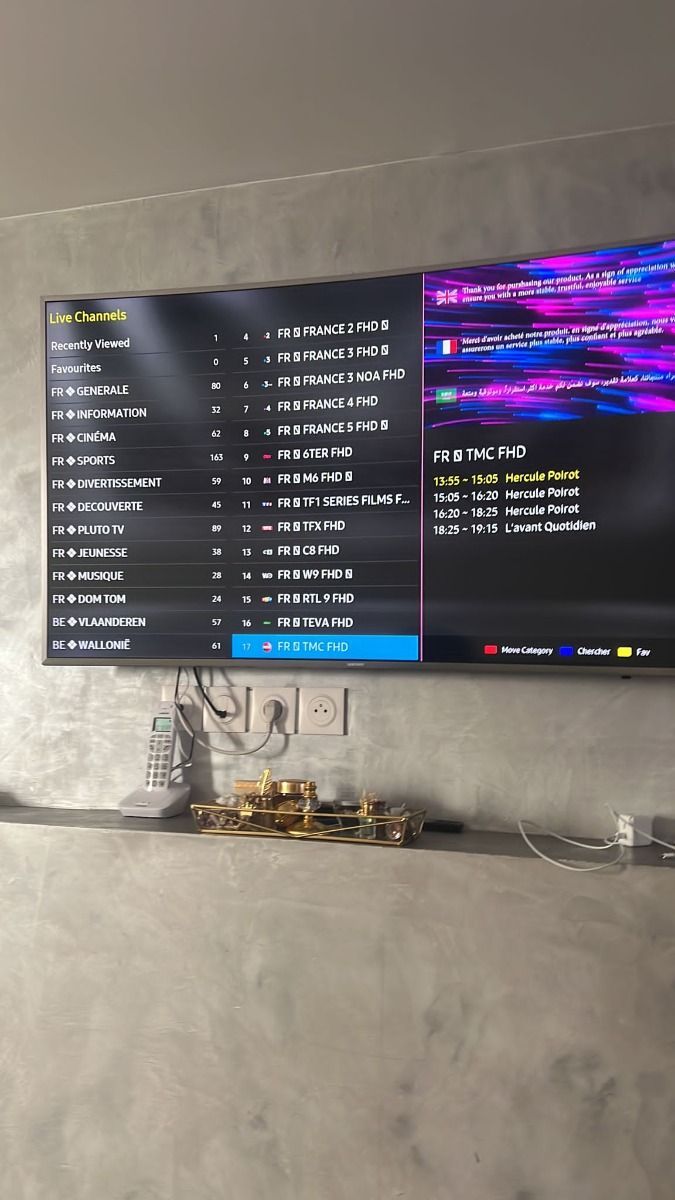
Preview the kind of interfaces and content layouts you may use after activation. Screens stay inside framed cards so the page remains comfortable on mobile.
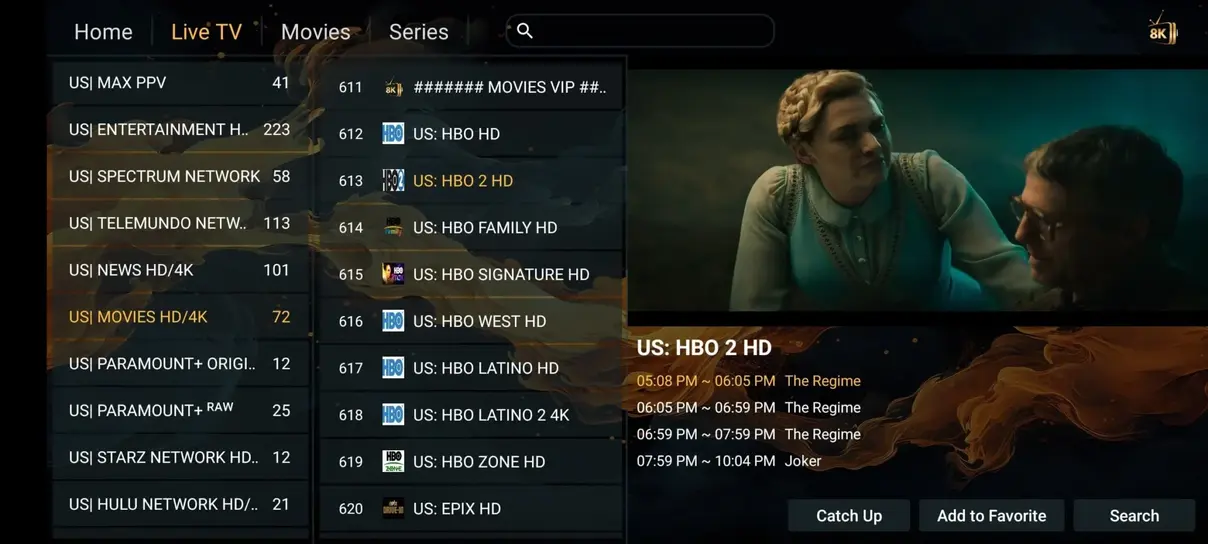
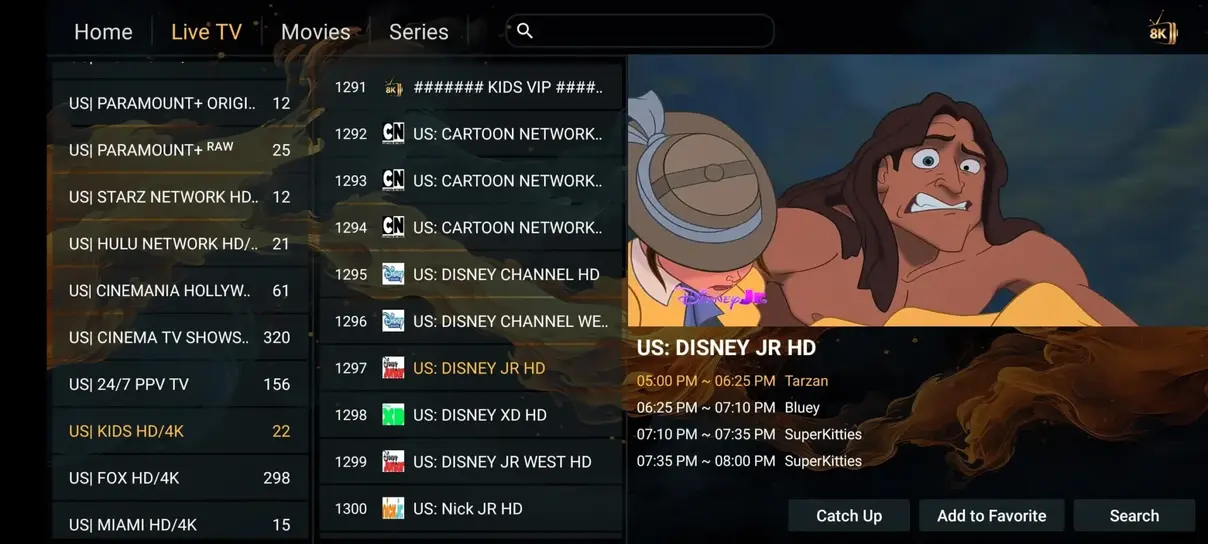
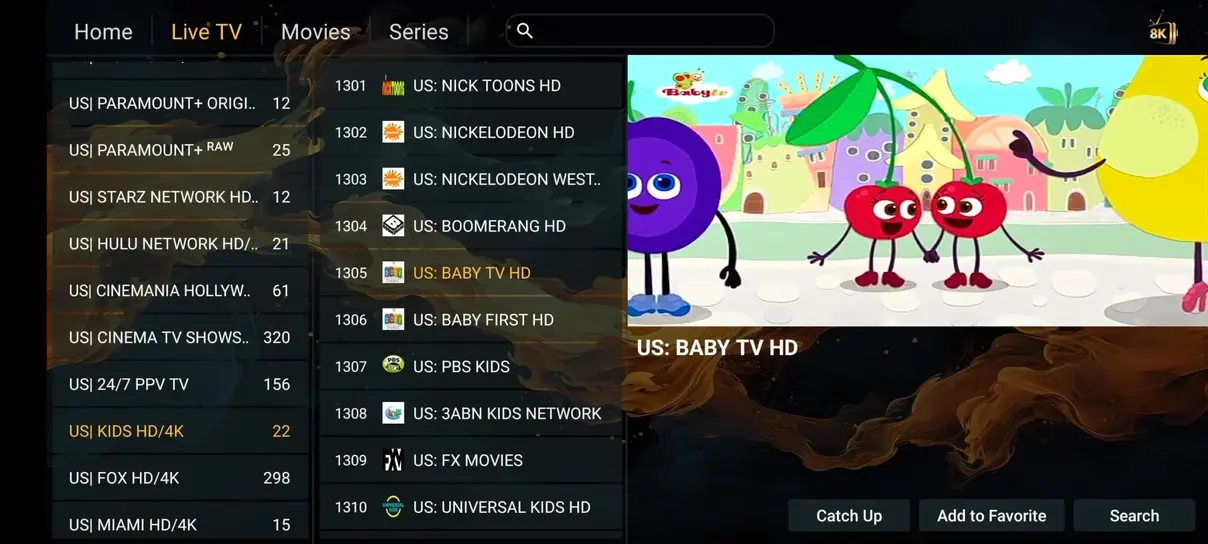
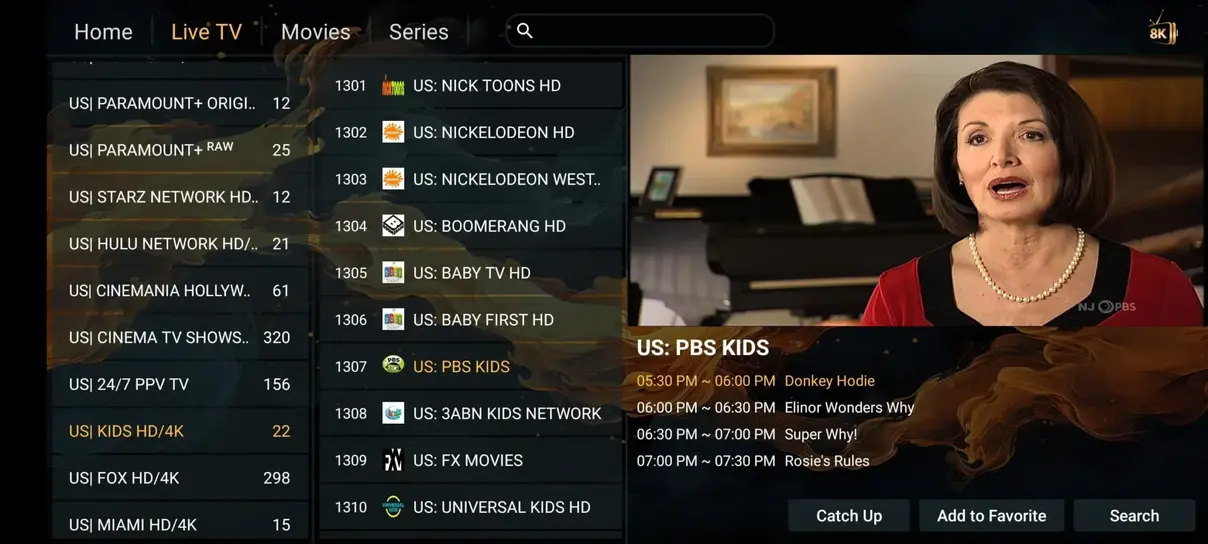
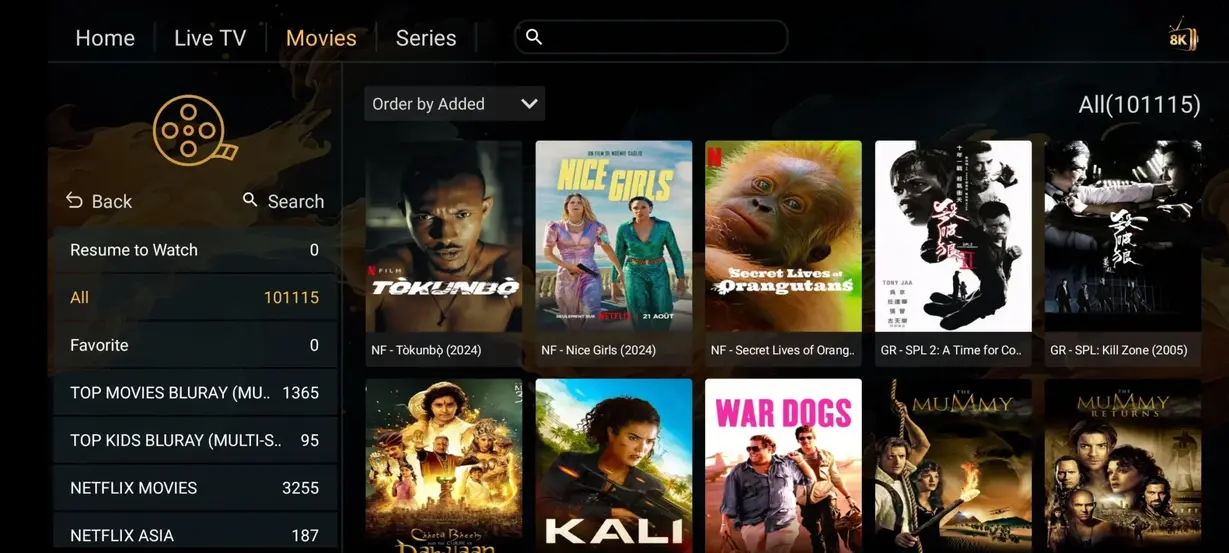
Use the table as a starting point. Availability and pricing always depend on the plan and the compatible service terms.
| Category | IPTV Geeks | Traditional cable |
|---|---|---|
| Annual cost | $89.99 configured plan | $1,200+ / year |
| Live channels | 41,821+ where available | 200–500 |
| Movies & series | 177,000+ where available | Often costs extra |
| Adult channels | Only where applicable | Not commonly included |
| 24/7 channels | 1,000+ where available | Limited |
| Sports | According to plan and service | Often additional packages |
| Long-term cable contract | Subscription-based | Provider dependent |
| Watch anywhere | Compatible internet-connected devices | Provider dependent |
Start with a shorter term or keep your viewing sorted for the year. Each plan has its own WhatsApp message so your request is clear from the first reply.
A low-commitment way to see if IPTV Geeks fits your routine.
More time to settle into your favorite channels and categories.
The most relaxed option for a full year of viewing.
Ask about 2-screen plans or a multi-screen setup for your household.
We keep the plan choice visible and the next step human: pick a plan, message us, and receive the relevant setup details.

You do not need to be an IPTV expert. The installation guide keeps the important parts in the right order.
Tell us which duration or screen option you want through WhatsApp.
We send the information and the setup direction for your chosen device.
Follow the short guide, then move between live TV and on-demand viewing.
IPTV Geeks is designed around familiar platforms, with device-specific notes to help you get moving.
Keep your living-room setup simple.

Use a compatible player on your TV box.

Keep streaming inside your Apple setup.

Compact viewing for another screen.

Check live content away from the main TV.

A practical option for a desk or display.

Enjoy a larger mobile viewing surface.

Bring a player to a spare screen.
These cards are sample content because no verified review feed is connected to this static project. Replace them with genuine customer data before publishing rating claims.
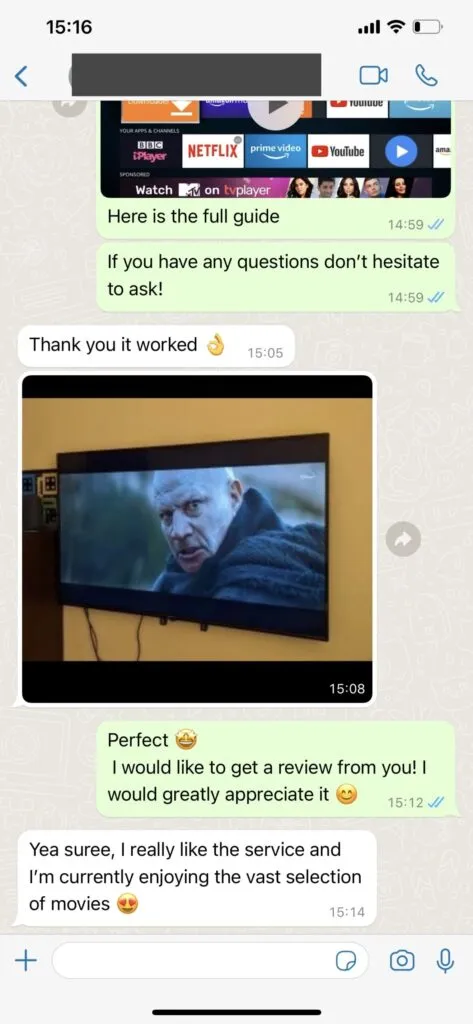
“The plan options were easy to compare, and I had everything I needed to start on my TV.â€
Sample review · not verified · USA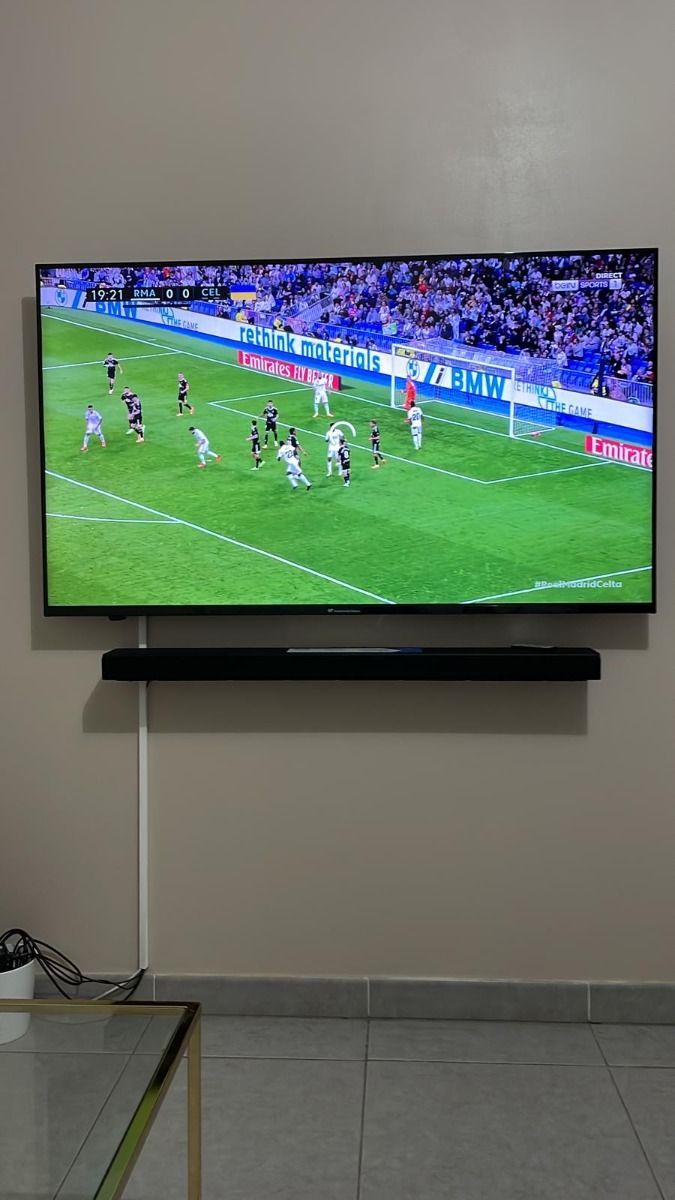
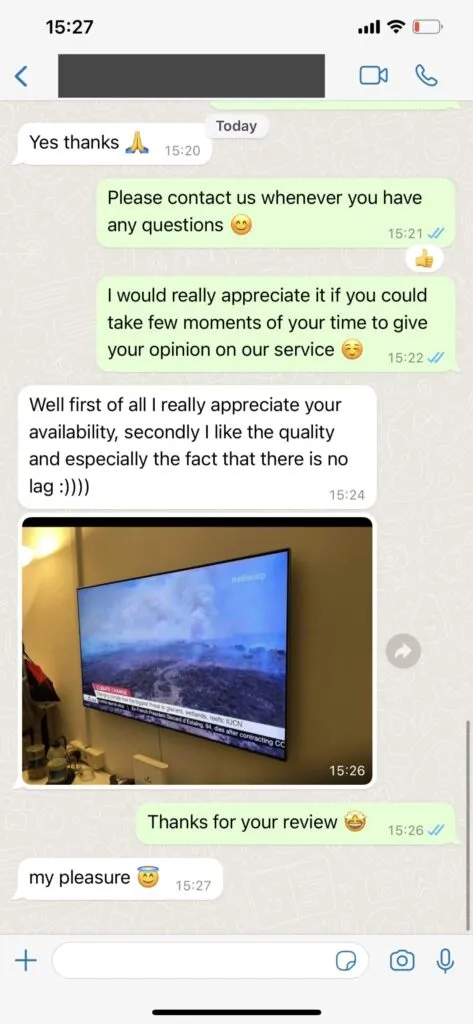
“I mainly wanted sports and a few movie nights. Finding both in the same place has been convenient.â€
Sample review · not verified · USA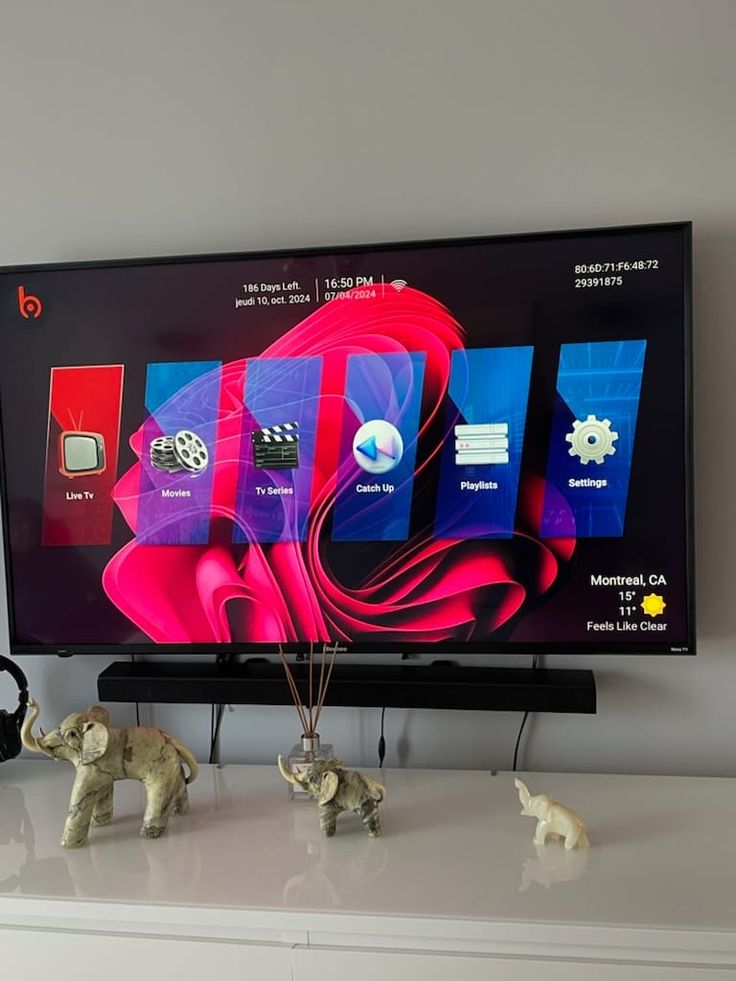
“Support answered my setup question without sending me in circles.â€
Sample review · not verified · USAIf you are unsure about a device, plan duration or setup path, send a message. Include the screen you want to use and we can point you in the right direction.
Short answers before you choose a plan.
Check the detailed features page for the current offer terms. Claims that require business verification are intentionally described as availability-dependent here.
Browse compatible live TV categories in one familiar player.
Move from live programming to available on-demand content.
Use the screen family that fits your home, desk or travel setup.
Where supported by the service and player, use guides and replay tools.
Get a device-specific starting point instead of guessing at app fields.
Ask about a plan, player or setup step through WhatsApp.
This visual mockup shows the type of dark streaming interface users may encounter. It is a design preview, not a live account or active subscription.


These additional topics complete the homepage FAQ set. Confirm current service terms with support.